
ChatGPT Alternatives in 2026: The Best AI Tools You Can Use Today
Looking for a ChatGPT alternative in 2026? Discover the best AI tools for writing, research, studying, image generation, voice chat, document summarization, and mobile productivity.
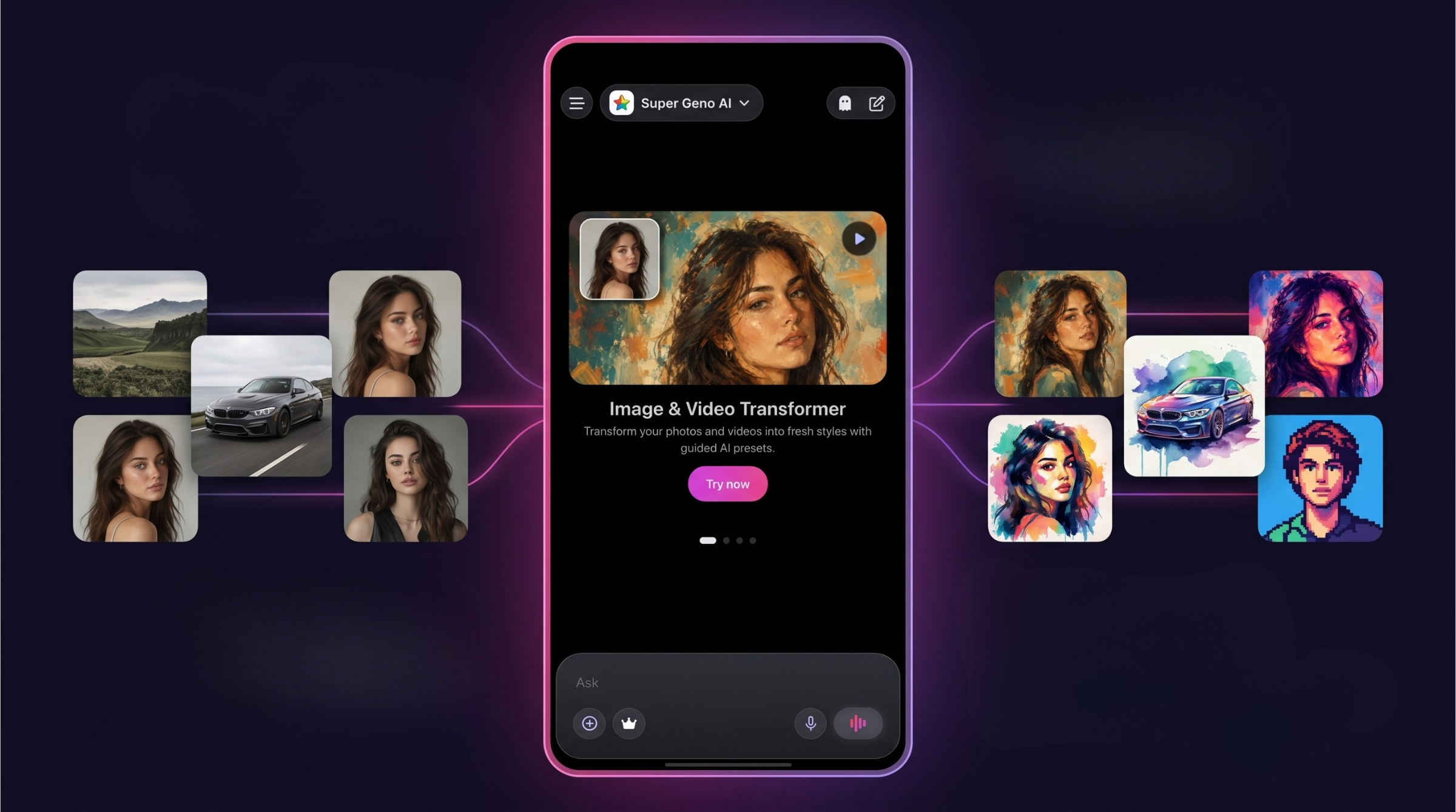
Table of Contents
ChatGPT changed how millions of people write, learn, search, brainstorm, create, and solve everyday problems. For many users, it became the first AI product they used regularly.
But as the AI landscape evolved, one thing became clear: no single tool is perfect for every task.
Some platforms are better for writing. Some are stronger for research. Some are built for creating images. Some work better on mobile. Others focus on voice chat, document summarization, productivity, or creative workflows.
That is why more people are now searching for ChatGPT alternatives.
But “alternative” does not always mean “replacement.” In 2026, the smarter approach is not necessarily to stop using ChatGPT. It is to understand which AI product fits your daily needs best.
For many people, the ideal solution is not another single-purpose chatbot. It is a flexible digital companion that helps with writing, research, images, documents, voice chat, and everyday productivity from one simple mobile experience.
In this guide, we will look at what makes a strong ChatGPT alternative, which types of AI tools are worth considering, and how to choose the right one for your workflow.
Why People Look for ChatGPT Alternatives
ChatGPT is powerful, familiar, and widely used. Still, users often start looking for alternatives for practical reasons.
The first reason is flexibility. People do not use AI for only one thing anymore. One day you may need help writing an email. The next day you may want to summarize a PDF, generate social media ideas, search the web, create an image, or practice a language. A modern AI experience should support different types of tasks without forcing you to jump between too many products.
The second reason is pricing and subscription fatigue. Many users do not want to pay separately for several smart software products. A student may need study support. A freelancer may need writing help. A creator may need image generation. A professional may need document summarization and meeting preparation. Paying for each separate tool can quickly become expensive.
The third reason is workflow friction. Switching between different websites and apps can slow you down. You ask one question in one product, generate an image somewhere else, summarize a document in another app, and then return to your notes. This breaks focus.
The fourth reason is mobile experience. Many AI products still feel designed mainly for desktop use. But real life is mobile. People want to ask questions on the go, use voice chat, analyze an image, summarize a document, or generate ideas directly from their phone.
The fifth reason is simplicity. A good AI tool should feel powerful but not complicated. Most users do not want to understand model settings, technical details, or complex workflows. They simply want to get things done faster.
What Makes a Good AI Tool in 2026?
A strong AI product should do more than answer questions. The best tools are becoming everyday productivity companions.
A useful mobile tool should help you write faster, understand information more easily, create visual ideas, summarize documents, search the web, and continue your work from your phone whenever you need.
Here are the most important things to look for.
1. Helpful Answers for Everyday Tasks
The most important feature of any AI product is simple: it should help you get useful answers quickly.
You may need to rewrite an email, understand a difficult topic, prepare for a meeting, create a travel plan, summarize a document, generate content ideas, or compare two options.
A good digital companion should understand your request and give you a clear, practical response without making the process complicated.
For example, instead of only asking:
“What is productivity?”
You may ask:
“Create a simple daily productivity plan for a student.”
“Rewrite this message in a more professional tone.”
“Summarize this article in five bullet points.”
“Give me three Instagram caption ideas for this product.”
“Explain this topic like I am new to it.”
This is where AI becomes useful in real life. It helps you move from question to output faster.
2. Real-Time Web Search
For current topics, web search is essential.
AI can be helpful, but not every answer should rely only on old information. If you are researching recent products, travel options, market trends, app comparisons, news, prices, or software changes, real-time information matters.
This is why tools like Perplexity became popular among people who want fast, source-oriented answers. Perplexity is especially useful when users want to research the open web, compare information, and get concise answers backed by references.
A good AI-powered mobile tool should help you search, summarize, compare, and understand information faster than using a traditional search engine alone.
This is useful for many everyday situations:
Comparing products before buying.
Researching travel destinations.
Finding current app alternatives.
Understanding recent news.
Checking market trends.
Preparing for a meeting.
Exploring a topic before writing content.
Instead of opening many tabs and reading everything manually, a web-enabled assistant can help you get a cleaner summary and continue asking follow-up questions.
SuperGeno brings this kind of research workflow into a broader mobile experience. You can search, ask follow-up questions, summarize information, and move from research to writing or content creation inside one app.
3. Document and PDF Summarization
One of the most practical AI use cases is document understanding.
Students, professionals, managers, freelancers, and business owners often deal with long PDFs, reports, articles, contracts, notes, or presentations. Reading everything manually can take a lot of time.
A useful tool should help you upload or process long content and ask simple questions like:
“What are the key points?”
“Can you summarize this in simple language?”
“What should I pay attention to?”
“Create action items from this document.”
“Explain this section.”
“Turn this into study notes.”
“Give me a short version I can send to my team.”
This is one of the areas where AI can save real time.
For students, it can make studying easier. For professionals, it can make meeting preparation faster. For freelancers, it can make client briefs easier to understand. For business owners, it can help turn long documents into clear decisions.
SuperGeno is especially useful here because document summarization does not need to be isolated from the rest of your workflow. You can summarize a PDF, ask questions about it, rewrite the result, create notes, or turn the key points into an email or content idea from the same mobile interface.
4. Writing and Communication Support
Writing is still one of the most common reasons people use AI.
ChatGPT is widely used for everyday writing, rewriting, brainstorming, learning, and problem solving. Claude is also popular among users who want thoughtful writing support, long-form explanations, research help, and structured responses.
For most users, the goal is not to create perfect text with one click. The real goal is to move faster.
A good writing-focused tool can help you:
Rewrite an email.
Improve tone and clarity.
Create blog outlines.
Generate social media captions.
Write product descriptions.
Create ad copy.
Summarize notes.
Translate or localize content.
Turn rough ideas into polished text.
For example, you can ask:
“Rewrite this message to sound more professional.”
“Make this paragraph shorter and clearer.”
“Create a friendly reply to this customer.”
“Turn these notes into a LinkedIn post.”
“Write three versions of this caption: casual, premium, and playful.”
Writing support is useful for students, creators, professionals, small businesses, marketers, and freelancers.
SuperGeno combines this writing workflow with other everyday AI features. You can research a topic, summarize a document, brainstorm ideas, write the final text, and continue editing from your phone without switching between multiple apps.
5. Image Generation and Creative Tools
AI is no longer only about text. Many users now expect smart software to generate images, transform photos, create visual concepts, and support creative workflows.
Creative platforms like Midjourney are well known for AI image generation and visual experimentation. They are especially popular among designers, creators, and people who want high-quality visual concepts.
But not every user wants to manage a separate creative workflow. Many people simply want to create a visual idea quickly from their phone.
Creative AI tools can help with:
Generating images from text.
Creating social media visuals.
Transforming photos into different styles.
Making visual ideas for campaigns.
Creating profile images or avatars.
Designing concepts for ads.
Producing thumbnail ideas.
Exploring different creative directions.
For many users, this is more practical than learning complicated design software for every small visual need.
A creator can brainstorm a video idea, write a caption, and generate a visual concept. A small business owner can create promotional ideas. A marketer can test different creative angles. A student can create visuals for a presentation.
SuperGeno connects this creative process with the rest of your productivity flow. You can brainstorm a campaign, write captions, generate visual concepts, and continue refining your idea inside one mobile-first experience.
6. Voice Chat
Voice chat changes the way people use AI.
Typing is useful, but speaking feels faster and more natural in many situations. A mobile AI product with voice chat can feel less like a search box and more like a real companion for thinking, planning, and learning.
You can use voice chat while:
Walking.
Commuting.
Cooking.
Thinking through ideas.
Practicing a language.
Preparing for a meeting.
Brainstorming content.
Reviewing your daily plan.
Voice chat is especially useful when you do not want to type long prompts. You can explain your situation naturally and get a response quickly.
For example:
“I have a meeting in 30 minutes. Help me prepare three talking points.”
“I want to improve my English. Ask me simple questions and correct me.”
“I need ideas for a social media post about my product.”
“Summarize my plan for today and help me prioritize.”
This kind of interaction makes AI easier to use throughout the day.
7. Mobile-First Productivity
A powerful AI product should still feel simple on a phone.
People do not always use AI while sitting at a desk. Sometimes they need to summarize an idea between meetings, rewrite a message before sending it, ask a quick question while commuting, or brainstorm content while away from their computer.
That is why mobile experience matters.
A good mobile tool should make common actions easy:
Ask a question.
Search the web.
Generate an image.
Summarize a document.
Use voice chat.
Rewrite a message.
Continue a previous conversation.
Brainstorm an idea quickly.
Even if you sometimes work with code, product logic, or technical topics, a mobile AI tool can still be useful. You may not build an entire project from your phone, but you can quickly brainstorm an approach, ask for an explanation, review logic, or think through a small problem when you have a few free minutes.
The best tools help you use your time better, especially when you are on the move.
The Main Types of ChatGPT Alternatives
Not every ChatGPT alternative is trying to do the same thing.
Some are direct chatbot competitors. Others are research tools, writing platforms, productivity apps, creative AI products, or mobile-first digital companions.
Understanding these categories makes it easier to choose the right tool.
1. Multi-Purpose AI Tools
A multi-purpose AI tool gives users several capabilities inside a single app. Instead of thinking, “Which AI product should I open?”, you can start from one place and choose what you want to do.
This category is especially useful for users who want flexibility.
You may want to write an email, summarize a PDF, generate an image, search the web, practice English, create content ideas, or ask questions using voice chat. A multi-purpose tool lets you handle these different tasks without constantly switching between apps.
This is where SuperGeno fits naturally.
SuperGeno is designed as an all-in-one AI experience for iOS and Android. It brings together AI chat, writing support, summarization, real-time web search, PDF assistance, image generation, creative tools, and voice chat in one mobile app.
The main advantage is convenience. Instead of using multiple separate products, users can work from one place. This is valuable for students, professionals, creators, freelancers, small business owners, and anyone who wants AI to support daily productivity.
Best for:
People who want one app for multiple AI tasks.
Users who do not want to switch between many tools.
Mobile-first users.
Students, freelancers, creators, and professionals.
Anyone who wants writing, search, images, voice, and documents in one place.
Potential limitation:
If you only need one very specific AI product, a specialized platform may be enough. But if your daily workflow includes writing, research, documents, images, and voice, a multi-purpose tool can be more practical.
2. Research and Answer Engine Tools
Some AI products focus heavily on search and real-time answers. These are useful when you need current information, sources, quick summaries, or research-style responses.
Instead of giving only a conversational answer, tools like Perplexity are designed to help users explore topics, compare sources, and understand recent information.
This category is useful for:
Product comparisons.
Travel planning.
Current events.
Academic exploration.
Market research.
Business decisions.
Buying guides.
Trend discovery.
Research-first tools can be very helpful when accuracy and freshness matter. They can reduce the time you spend opening tabs, reading articles, and collecting notes manually.
Best for:
Users who frequently need current information.
Students and researchers.
Professionals comparing products, tools, companies, or trends.
People who want source-oriented answers.
Potential limitation:
Research-first platforms may not always offer the broadest creative, voice, image, or mobile productivity experience. They are excellent for answers and discovery, but may not replace a full productivity companion for every use case.
SuperGeno helps bridge this gap by combining web search with writing, document summarization, voice chat, and creative tools in one mobile environment.
3. Writing and Content Creation Tools
Some ChatGPT alternatives focus on writing. ChatGPT and Claude are both widely used for writing, editing, brainstorming, summarization, and structured explanations.
These tools help users create blog posts, emails, ads, captions, product descriptions, scripts, landing page copy, and marketing content.
For writers and marketers, the most important features are tone control, rewriting, structure, clarity, idea generation, and speed.
A good writing tool can help with:
Blog outlines.
SEO content briefs.
Social media captions.
Email drafts.
Product descriptions.
Ad copy.
Script ideas.
Grammar improvement.
Translation and localization.
Writing-focused platforms are useful if content production is your main need.
However, many users now expect writing to be part of a broader AI workflow rather than a separate product. If you also need research, document summaries, image generation, and voice chat, an all-in-one mobile tool may be more efficient.
Best for:
Marketers.
Bloggers.
Social media creators.
Small businesses.
Freelancers.
Founders.
Potential limitation:
Some writing tools are excellent for content but limited for research, images, document understanding, or everyday mobile use.
SuperGeno connects writing with the rest of your daily workflow. You can search, summarize, write, rewrite, create visuals, and continue editing from your phone.
4. Productivity Tools for Work, Study, and Daily Life
Some AI products are built around productivity. These tools are not only for asking random questions. They help users complete everyday tasks faster.
This category is useful because most people do not use AI for only one thing.
A student may need help understanding a topic. A freelancer may need to write a client email. A marketer may need campaign ideas. A professional may need to summarize a document before a meeting. A creator may need captions, scripts, and visual concepts.
A productivity-focused tool can help with:
Writing and rewriting emails.
Summarizing documents.
Creating study notes.
Brainstorming content ideas.
Preparing for meetings.
Generating social media captions.
Explaining complex topics in simple language.
Planning travel, work, or personal projects.
Thinking through ideas while using your phone.
This is also where mobile experience becomes important. If a tool only works well on desktop, it may not fit naturally into your day. A good mobile product should help you move faster when you are away from your computer.
Best for:
Students.
Freelancers.
Professionals.
Creators.
Small business owners.
Busy mobile users.
Potential limitation:
A productivity tool should stay simple. If it becomes too complicated, users may stop using it regularly. The best products combine powerful features with a clean and easy mobile experience.
SuperGeno is designed around this idea: practical AI features in a simple mobile app that supports real daily tasks.
5. Creative AI Tools for Images and Visual Ideas
Creative AI tools are becoming a major reason people search for ChatGPT alternatives.
Many users want more than text. They want to create visuals, transform photos, generate avatars, build social media assets, design concepts, or experiment with different styles.
Midjourney is one of the most recognized names in AI image generation and visual creativity. It is often used by creators, designers, and visual thinkers who want strong artistic results.
But many everyday users want something simpler and more mobile. They may not want a separate design workflow. They may just want to create a social media image, transform a photo, or test a visual idea quickly.
Creative AI use cases include:
Generating images from text.
Transforming selfies into stylized portraits.
Creating social media visuals.
Designing campaign ideas.
Making character concepts.
Producing thumbnails.
Creating visual references for ads or posts.
Exploring different styles.
This is also an area where SuperGeno can be valuable because it combines creative tools with chat, writing, research, and productivity features. A user can brainstorm a campaign idea, write the caption, generate a visual concept, and continue refining the result in one app.
Best for:
Creators.
Marketers.
Small businesses.
Influencers.
App owners.
Designers looking for quick concepts.
People who enjoy experimenting with AI visuals.
Potential limitation:
AI-generated visuals should still be reviewed carefully before professional use. For branding, advertising, or commercial campaigns, consistency and rights management matter.
ChatGPT vs ChatGPT Alternatives: How Should You Decide?
The best way to choose an AI product is not to ask:
“Which one is the best overall?”
A better question is:
“What do I need AI to help me with every day?”
If your main need is general conversation, ChatGPT may already be enough.
If your main need is current research, a search-focused answer engine like Perplexity may be a strong choice.
If your main need is writing, tools like ChatGPT or Claude may work well.
If your main need is images and creative assets, a visual AI platform like Midjourney may be the best fit.
If your main need is mobile productivity across many tasks, a multi-purpose app like SuperGeno may be more practical.
The right choice depends on your workflow.
Why a Multi-Purpose Mobile Tool Can Be a Smarter Choice
In 2026, the AI market is moving fast. New features appear often, user expectations change, and people are using AI for more parts of their daily lives.
That means users should avoid thinking of AI as a single-purpose product.
A multi-purpose mobile tool gives you more flexibility. You are not dependent on one workflow. You can choose the right capability for the task in front of you.
For example:
Use chat for everyday questions.
Use web search for fresh information.
Use PDF tools for long documents.
Use image generation for creative ideas.
Use voice chat when typing is inconvenient.
Use writing tools for emails, captions, and content.
Use mobile AI when you are away from your desk.
This approach is closer to how people actually work.
Real productivity is not one feature. It is the ability to move from idea to answer to output without unnecessary friction.
Where SuperGeno Fits
SuperGeno is built for users who want AI to be practical, mobile, and flexible.
Instead of positioning itself as only a chatbot, SuperGeno brings several workflows into one app:
AI chat for everyday questions.
Writing support for content, messages, and ideas.
Real-time web search for current information.
PDF summarization and document Q&A.
Image generation and creative tools.
Voice chat for natural interaction.
Mobile-first productivity features.
This makes it useful for a wide range of users.
A student can summarize a research paper, ask follow-up questions, and create study notes.
A freelancer can draft client emails, generate content ideas, and prepare proposals.
A marketer can brainstorm campaign angles, create captions, and explore visual concepts.
A professional can summarize documents, compare options, and prepare for meetings.
A creator can generate ideas, write scripts, and experiment with AI visuals.
The biggest value is not only that SuperGeno has many features. The value is that these features are available in one mobile-first experience.
Instead of using Perplexity for research, Claude or ChatGPT for writing, Midjourney for visual ideas, and another app for voice or documents, SuperGeno brings many of these everyday needs into one simple mobile interface.
Practical Use Cases for a ChatGPT Alternative Like SuperGeno
For Students
Students can use AI to understand difficult topics, summarize PDFs, create study notes, generate essay outlines, practice languages, and prepare for exams.
Instead of copying answers, the better use is to ask AI to explain concepts step by step.
For example, a student can ask:
“Explain this topic in simple terms.”
“Create a study plan for my exam.”
“Summarize this PDF.”
“Turn this text into flashcards.”
“Ask me quiz questions about this topic.”
Used correctly, an AI tool can become a study partner rather than a shortcut.
For Professionals
Professionals can use AI to write emails, summarize meeting notes, prepare presentations, analyze documents, create action plans, and organize ideas.
A mobile tool is especially useful when you need quick help between meetings or while commuting.
For example, a professional can ask:
“Rewrite this email in a more polite tone.”
“Summarize this document before my meeting.”
“Create three talking points for this topic.”
“Turn these notes into action items.”
“Help me prepare for a client call.”
This can save time and reduce mental load during busy workdays.
For Freelancers
Freelancers often handle writing, research, client communication, marketing, and planning by themselves. AI can reduce the time spent on repetitive tasks.
A freelancer can use SuperGeno to draft proposals, rewrite messages, generate social media posts, summarize client briefs, and brainstorm service packages.
For example:
“Create a proposal outline for this client.”
“Rewrite this message to sound more confident.”
“Generate five content ideas for my service.”
“Summarize this client brief.”
“Create a follow-up email after a meeting.”
For freelancers, a practical digital companion can feel like a lightweight productivity partner.
For Creators
Creators can use AI to generate video ideas, captions, hooks, scripts, thumbnails, image concepts, and content calendars.
The combination of writing and visual tools is especially useful because content creation is rarely only text or only images. It usually requires both.
For example, a creator can ask:
“Give me 10 TikTok video ideas about this topic.”
“Write a short Instagram caption.”
“Create a hook for a 15-second video.”
“Generate an image concept for this post.”
“Turn this idea into a content calendar.”
AI can help creators move faster from idea to execution.
For Small Business Owners
Small business owners often need to do many things at once: marketing, customer communication, planning, product descriptions, social media, and research.
A mobile AI tool can help with small but important daily tasks.
For example:
“Write a product description for this item.”
“Create a social media post for today.”
“Compare these two marketing ideas.”
“Summarize customer feedback.”
“Give me campaign ideas for the weekend.”
For small businesses, AI can reduce the time spent on writing and planning.
For Founders, Managers, and People Who Occasionally Work With Technical Topics
Not every user needs a full developer workspace. But many founders, product managers, startup owners, team leads, and technical decision-makers sometimes need to understand code, review an idea, or think through a technical problem.
A mobile AI tool can help you use small moments better.
You can quickly ask for an explanation, brainstorm an approach, review basic logic, or prepare a question before speaking with your technical team.
For example:
“Explain this code in simple business language.”
“Review this API logic and tell me if the flow makes sense.”
“Explain this database structure like I am a product manager.”
“What questions should I ask my developer before approving this feature?”
“Summarize this technical note for a non-technical stakeholder.”
“Help me brainstorm the simplest version of this feature.”
“Is this user flow clear from a technical and product perspective?”
This is not about replacing a developer workspace. It is about making your thinking process faster when you are away from your desk.
For a founder or manager, this can be especially useful. You may not want to write code on your phone, but you can still use a few free minutes to understand a technical idea, prepare better questions, or make a meeting more productive.
What to Look for Before Choosing a ChatGPT Alternative
Before choosing an AI tool, consider these questions:
Do you mostly use AI for writing?
Do you need real-time web search?
Do you often work with PDFs or long documents?
Do you want image generation or photo transformation?
Do you prefer using AI from your phone?
Do you want voice chat?
Do you want one app for many tasks?
Do you want something simple enough to use every day?
If you answer yes to several of these questions, a multi-purpose mobile app may be the best fit.
Final Thoughts: The Best ChatGPT Alternative Is the One That Fits Your Life
ChatGPT remains one of the most important AI products in the world. But it is no longer the only option, and it may not be the best fit for every user or every task.
The best ChatGPT alternative depends on what you need.
If you want research, a tool like Perplexity may be useful.
If you want writing support, ChatGPT or Claude may be strong options.
If you want images and visual creativity, Midjourney may be a good fit.
If you want one mobile app that brings together chat, writing, search, documents, voice, images, and productivity, SuperGeno is worth trying.
In 2026, the most productive AI users will not be the ones who use the most tools. They will be the ones who choose the right tool for the right task with the least friction possible.
SuperGeno is designed for exactly that: helping you write faster, think smarter, create more, and get things done with AI from one simple mobile app.
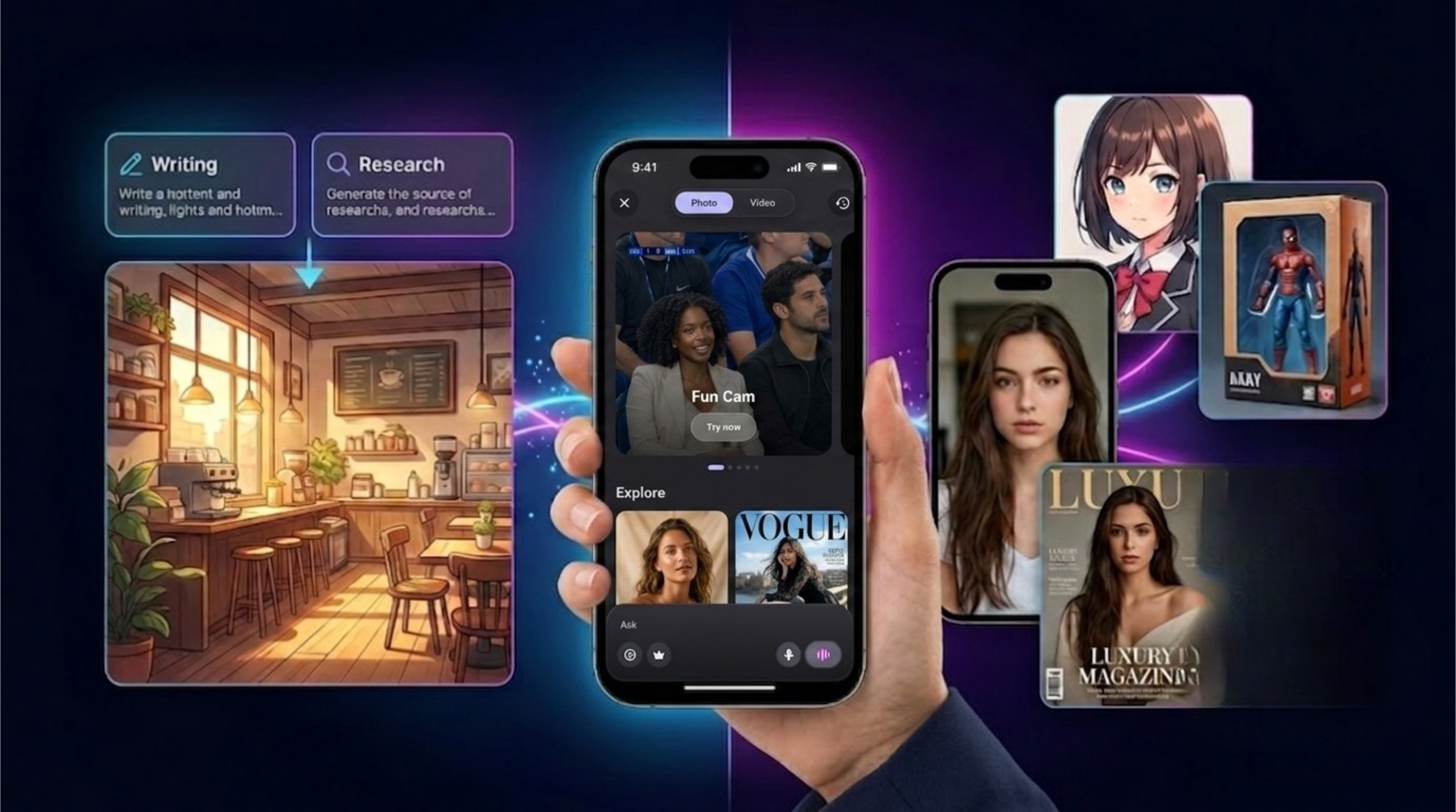
AI Image Generator vs Image Transformer: What Is the Difference and Which One Should You Use?
Learn the difference between AI image generators and AI image transformers. Discover how tools like Midjourney, ChatGPT Images, Adobe Firefly, Canva, and SuperGeno help users create and transform visuals.
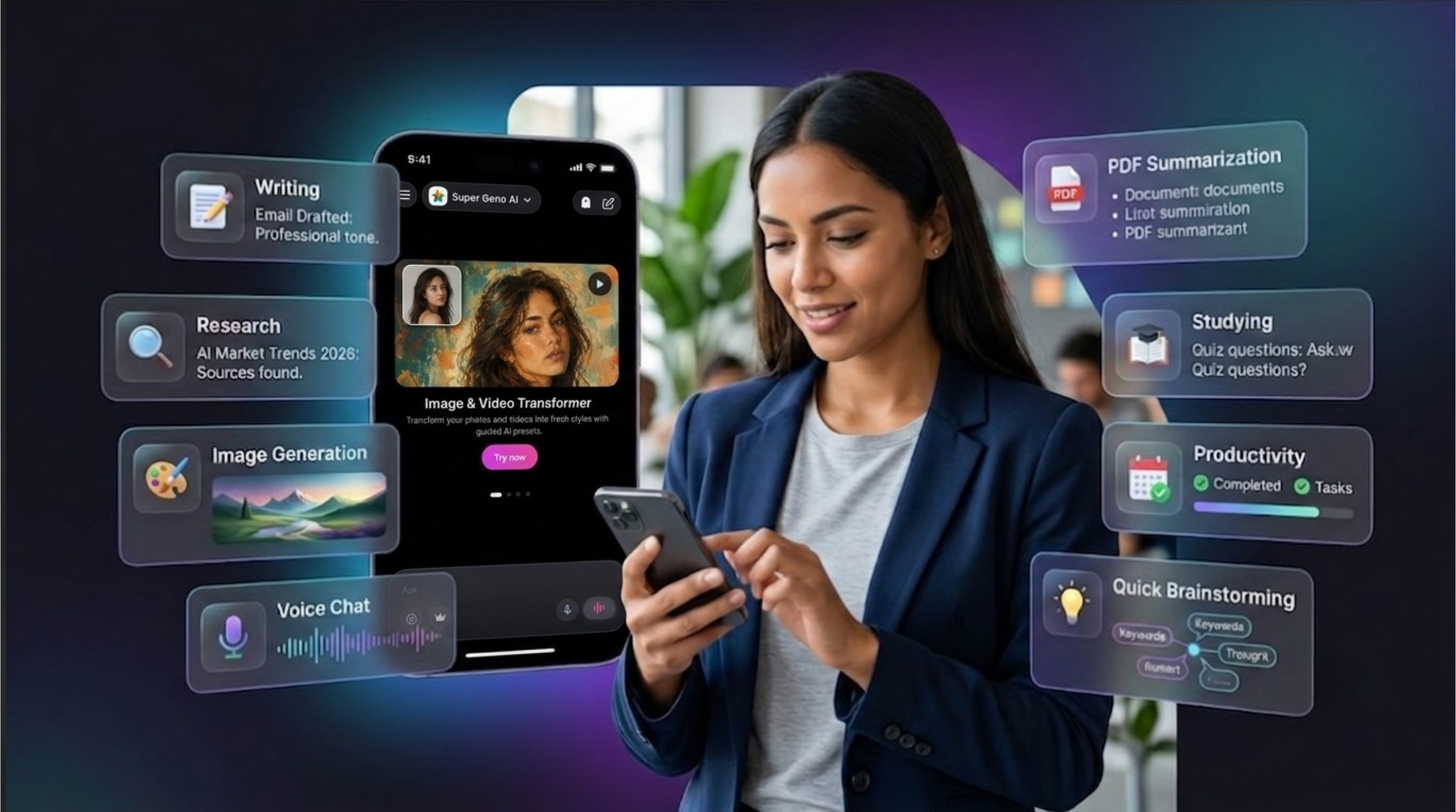
Best AI Chat Apps in 2026: How to Choose the Right AI Tool for Your Daily Workflow
Discover the best AI chat apps in 2026 for writing, research, image generation, voice chat, PDF summarization, studying, and mobile productivity.